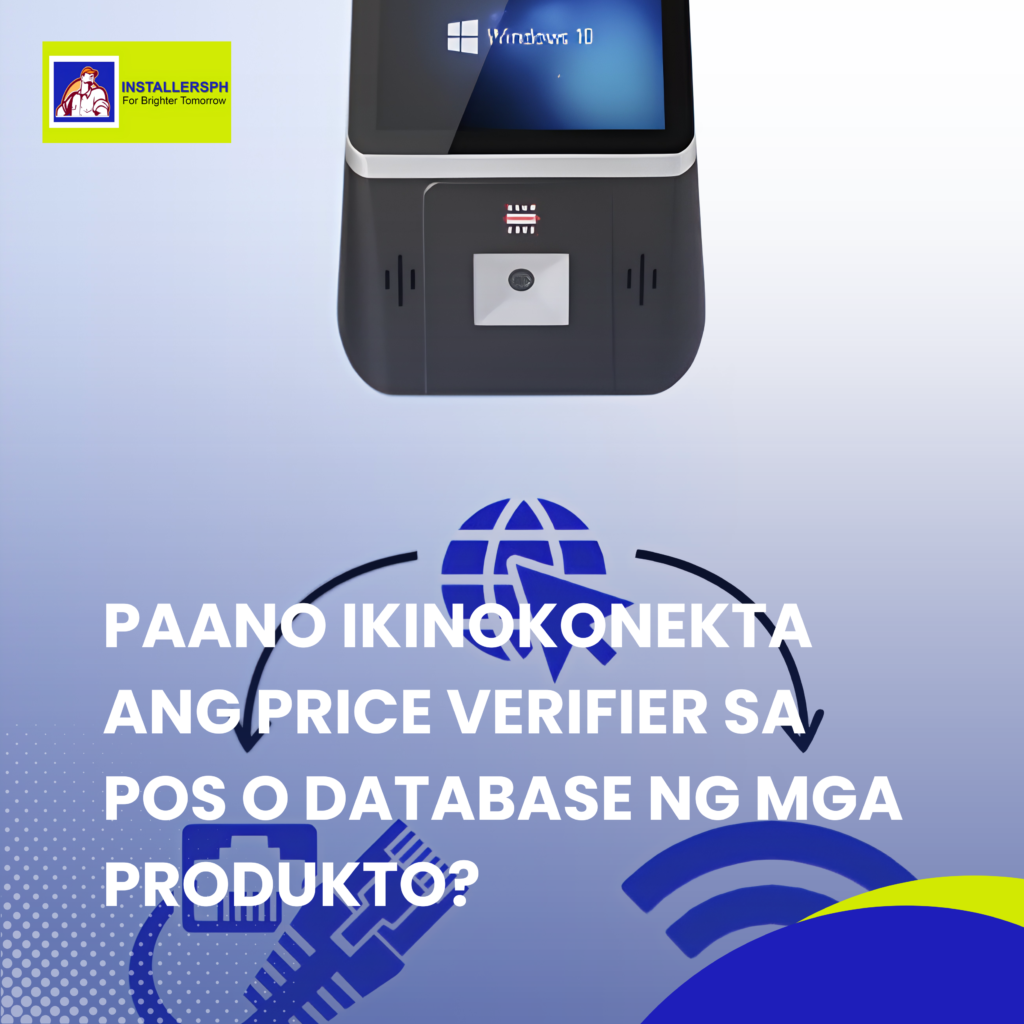
Paano Ikinokonekta ang Price Verifier sa POS o Database ng mga Produkto?

How to Connect and Set Up a Price Verifier.


Introduction.

A new Price Verifier may look ready to use, but it will not display product information unless it is properly connected to the store’s network and pricing system.

If you scan a product and nothing appears on the screen, the issue may not be the device itself. It may simply need to be connected and configured with the store’s POS system or product database.

Here are the basic steps to get a Price Verifier connected and ready to use.

Step 1: Connect to the Internet.

The first step is to connect the Price Verifier to the store’s network.

Depending on the device and store setup, this can be done through a LAN cable or Wi-Fi. Enter the required network details and check that the connection is stable.

A reliable network connection is important because the Price Verifier needs to communicate with the system where the product information is stored.

Step 2: Connect to the POS or Database.

Next, connect the Price Verifier to the store’s POS system or product database.

This is where the device gets important product information such as the barcode, product name, and price.

Depending on the store’s setup, the data may come from a POS system, local server, or cloud database.

Proper configuration is essential to ensure that the Price Verifier can access and display the correct information.

Step 3: Test the Connection.

Once the network and system connection are configured, it’s time to test the device.

Simply scan a product barcode and check whether the correct product name and price appear on the screen.

If there is an issue, check the internet connection, server settings, database connection, and barcode registration. The product must also be properly registered in the database for its information to appear.

Conclusion.

Setting up a Price Verifier is more than simply installing the device. It needs a stable network connection and proper integration with the store’s POS or product database.

Once connected, configured, and tested, the Price Verifier can provide customers with quick, accurate, and synchronized product information.

Need help with your Price Verifier, POS, networking, or retail system setup? InstallersPH IT Solutions can help with professional IT solutions for your business.

#PriceVerifier #RetailTechnology #POS #RetailSolutions #BarcodeScanner #RetailBusiness #InstallersPH

Case Studies

UPS o voltage regulator? October 6, 2026 Carol Jhane Canitan Video. https://youtube.com/shorts/qdMnD8_F36E UPS or Voltage Regulator: Which One Do You Need? Introduction. Power problems can affect computers, POS systems, network equipment, and …

UPS: Para sa negosyo. September 30, 2026 Carol Jhane Canitan Video. https://youtube.com/shorts/vt3LQjM10E0 Why Businesses Need a UPS During Power Interruptions. Introduction. May tindahan, opisina, o negosyong umaasa sa computer, POS, Pisonet, o …

UPS: Para sa biglaang brownout. September 30, 2026 Carol Jhane Canitan Video. https://youtube.com/shorts/JGUg5XN3jZg Why a UPS Is Important for Your Computer During Power Interruptions. Introduction. Biglang nawalan ng kuryente habang may ginagawa …