

Malapit na ang 2027 Required pa rin ba ang CCTV sa mga Business sa Mandaluyong City? October 26, 2026 Carol Jhane Canitan Video. https://youtube.com/shorts/EBYJbvqPBjw CCTV Compliance in Mandaluyong City: What Business Owners …
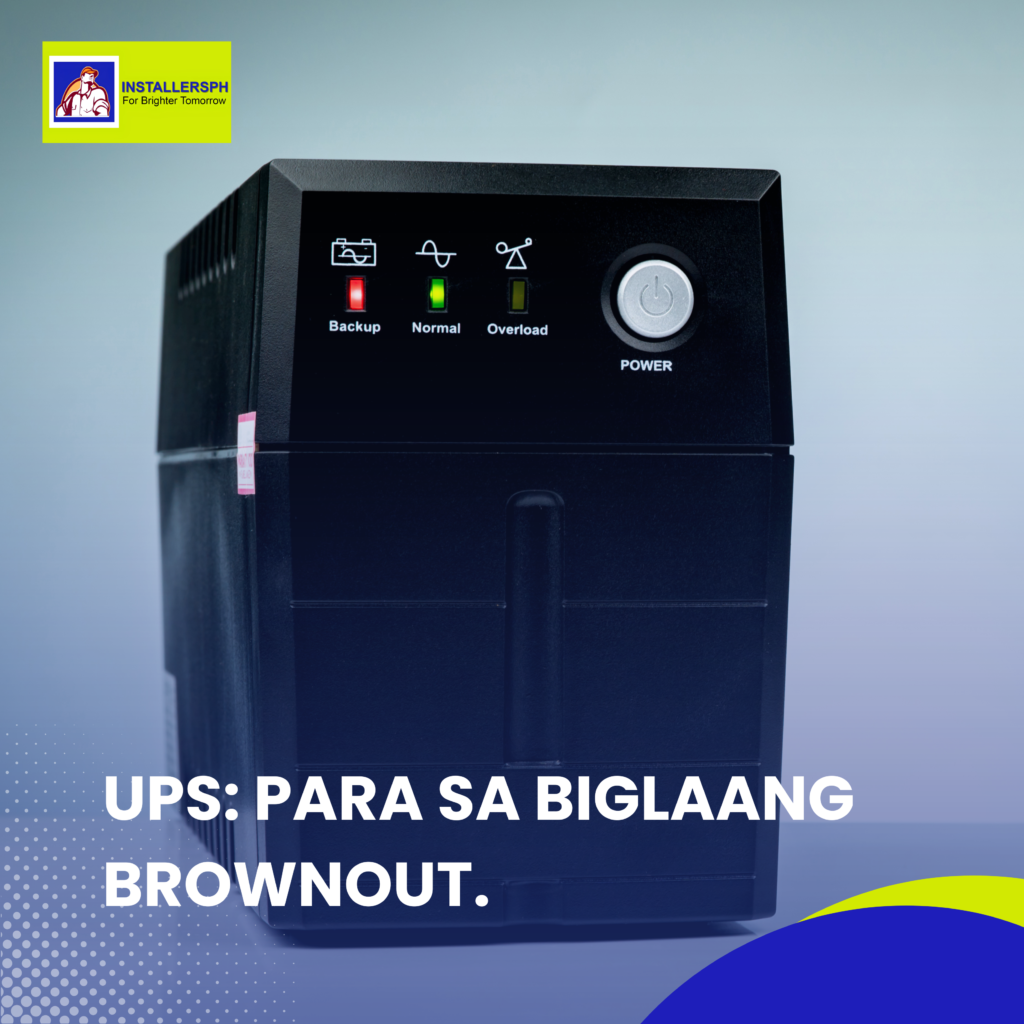
UPS: Para sa biglaang brownout.
Video.
Why a UPS Is Important for Your Computer During Power Interruptions.
Introduction.
Biglang nawalan ng kuryente habang may ginagawa ka sa computer? One moment you’re working normally, and the next thing you know, everything shuts down. Worse, you may lose an unsaved file or interrupt an important task.
Power interruptions, brownouts, and unexpected power loss can happen anytime. For people working from home, offices, businesses, and anyone who relies on computers and other electronic equipment, having a reliable backup power solution can make a big difference.
One device that can help is a UPS or Uninterruptible Power Supply.
What Is a UPS?
A UPS is a device that provides temporary backup power to connected equipment when the main power supply is interrupted.
Unlike simply plugging a computer directly into a wall outlet, a UPS can provide a short period of power when there is a brownout or sudden power interruption. This gives users valuable time to save their work, close applications, and properly shut down their computers.
A UPS is especially useful for computers, monitors, networking equipment, and other devices that need continuous power to operate properly.
Why Is a UPS Important?
One of the biggest advantages of having a UPS is that it can help prevent sudden interruptions to your work.
Imagine working on an important document, presentation, report, or project when the power suddenly goes out. Without a backup power source, the computer may immediately shut down, potentially causing unsaved work to be lost.
With a UPS, you have additional time to save your files, close your applications, and shut down your computer properly.
This can also help reduce the risk of problems caused by sudden power interruptions and unexpected shutdowns.
How Long Does a UPS Last?
It is important to understand that a UPS does not provide unlimited backup power.
The amount of time a UPS can provide power depends on several factors, particularly the capacity of the UPS and the power consumption of the connected equipment.
For example, connecting multiple high-power devices to a UPS may result in a shorter backup time compared to connecting only a computer and monitor.
This is why choosing the right UPS based on your equipment and power requirements is important.
Choosing the Right UPS.
Not all UPS units are the same. Before purchasing one, consider the equipment you plan to connect and how much power those devices require.
You should also consider the required backup time and the type of setup you have. A proper assessment can help ensure that the UPS can provide sufficient backup power for your needs.
Choosing the right UPS can help you avoid purchasing a unit that is either insufficient for your equipment or unnecessarily large for your requirements.
Protect Your Work and Equipment.
A power interruption can happen without warning, but your preparation doesn’t have to.
Having a UPS gives you an extra layer of protection and, more importantly, gives you time to respond when the power suddenly goes out. Instead of immediately worrying about an unsaved file, you can focus on saving your work and shutting down properly.
Conclusion.
A UPS is a practical addition to any computer setup, especially for users who rely on their devices for work, school, business, or important tasks.
While it cannot provide unlimited power during a blackout, it can provide valuable backup time to save your work and safely shut down your equipment.
So, if you don’t want to experience the dreaded “WAIT LANG—HINDI KO PA NASE-SAVE!” 😭, consider adding a UPS to your setup.
Need help choosing the right UPS for your equipment? Message InstallersPH IT Solutions and let us help you find a suitable solution for your setup. 🔌💻
#UPS #BrownoutSaCebu #InstallersPH #PowerBackup #ComputerProtection #ITSolutions
Articles

Malapit na ang 2027 Required pa rin ba ang CCTV sa mga Business sa Pasig City October 26, 2026 Carol Jhane Canitan Video. https://youtube.com/shorts/cBoSHdbMHXY CCTV Compliance in Pasig City: What Business Owners …

Malapit na ang 2027: Required pa rin ba ang CCTV sa mga Business sa Naga Cebu City? October 26, 2026 Carol Jhane Canitan Add as a preferred source on Google Video. https://youtube.com/shorts/c_0ciMcXMvU …