
Biometric Site Inspection at Novacell, The Orient Square, Pasig City. October 30, 2026 Carol Jhane Canitan Video. Introduction. Efficient employee attendance monitoring is an essential part of modern human resource management. With …
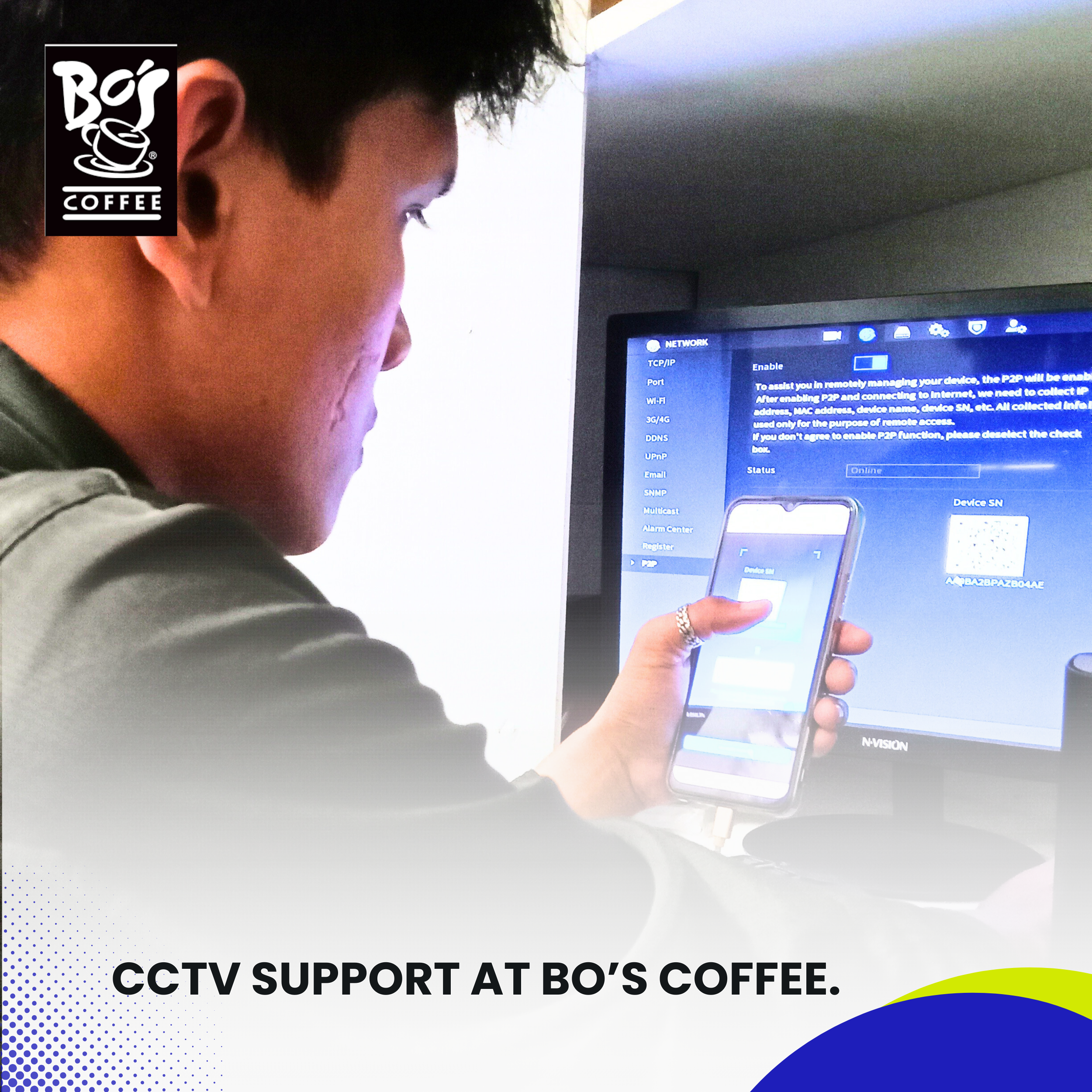
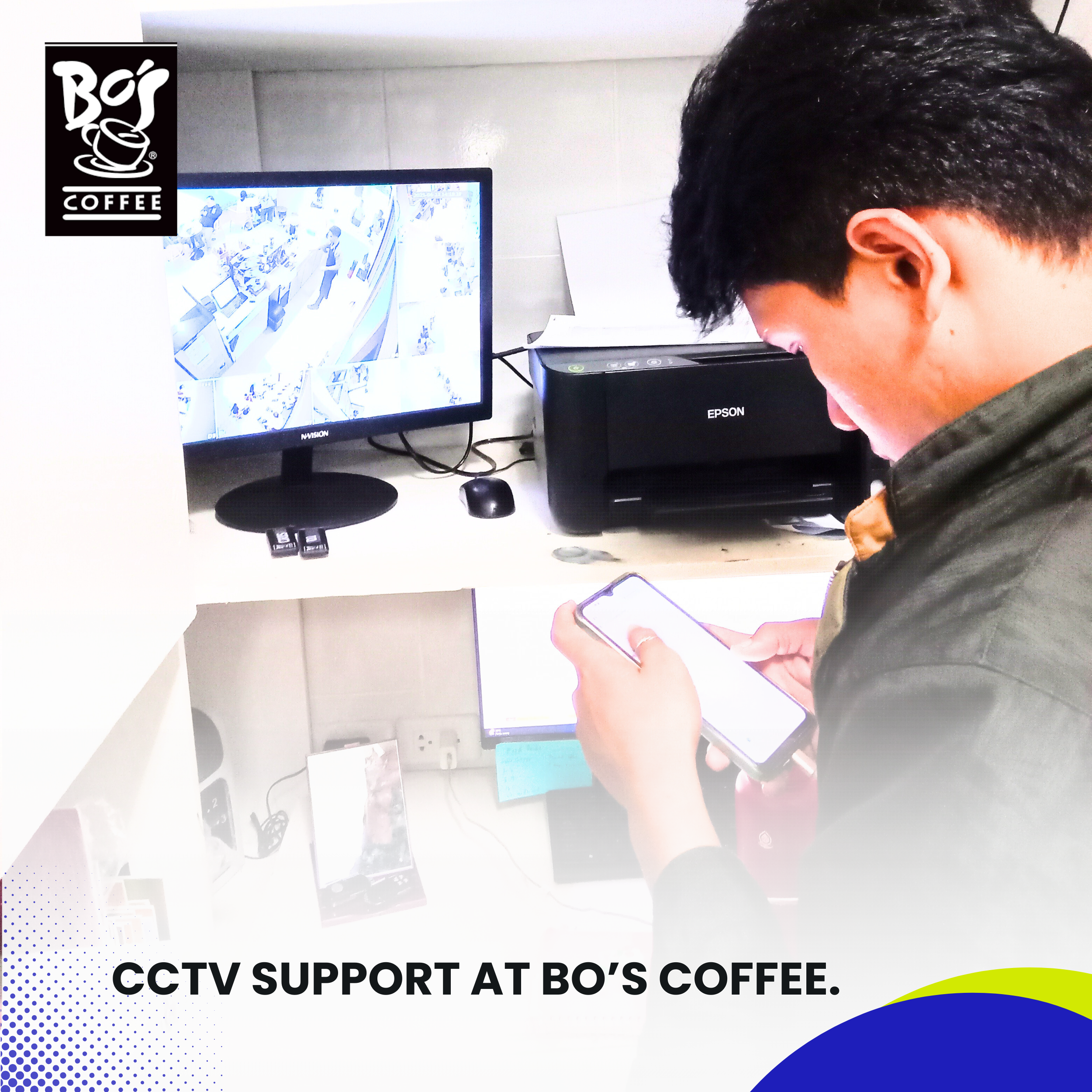
CCTV Support at Bo's Coffee.
Introduction
CCTV systems are an integral component of modern-day business operations, particularly in industries like food and beverage where security, staff monitoring, and operational transparency are vital. For Bo’s Coffee, one of the Philippines’ most recognizable local café chains, reliable surveillance ensures the safety of both customers and employees while preserving the quality of day-to-day operations.
Recently, Bo’s Coffee encountered a technical issue at one of its branches—the mobile viewing function of the CCTV system had become inaccessible, disrupting the management’s ability to remotely monitor store activities. Although the Network Video Recorder (NVR) remained fully operational at the site, management staff were unable to view live or recorded feeds through their mobile application. This was especially concerning, as mobile monitoring plays a key role in off-site supervision and response.
To address this, Bo’s Coffee reached out to Installersph IT Solutions to conduct an immediate on-site diagnosis and fix the problem. This article documents the full support process, from the initial report to resolution, highlighting our team’s technical approach and the practical solutions implemented to restore reliable mobile CCTV access.
Explainer Video
Initial Client Report and Assessment.
The issue was reported directly by the branch’s store manager, who noticed that their CCTV mobile app—used to monitor the cameras remotely—was no longer showing real-time footage. The concerns raised included:
The CCTV system was working and recording locally on the NVR.
All camera feeds were visible from the in-store monitor.
The mobile application was no longer syncing with the NVR.
Attempts to refresh or rebind the device to the app had failed.
The network connection appeared stable.
Before dispatching our technicians, we performed a remote pre-diagnostic interview with the client to confirm that the issue was isolated to mobile access only, and not a total system failure. Based on the symptoms, we prepared a checklist of possible causes:
Router port forwarding misconfigurations
Firmware updates that reset device access
Expired or changed DDNS (Dynamic Domain Name System) credentials
Firewall or network address changes
App cache or login credential issues
We scheduled a same-day on-site support session with the goal of quickly identifying and resolving the issue to ensure minimal downtime in remote access capabilities.
On-Site Visit: Technical Investigation and Troubleshooting.
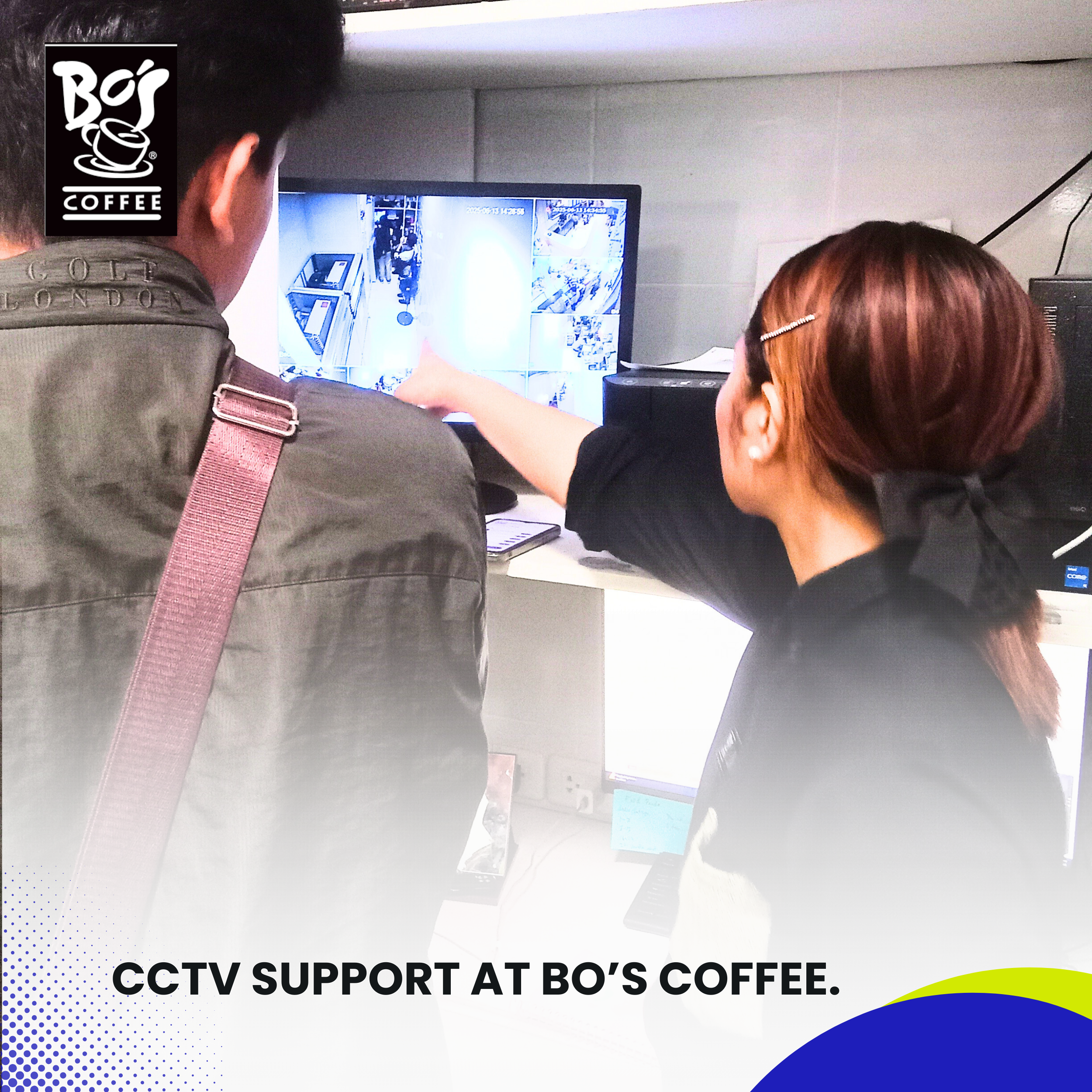
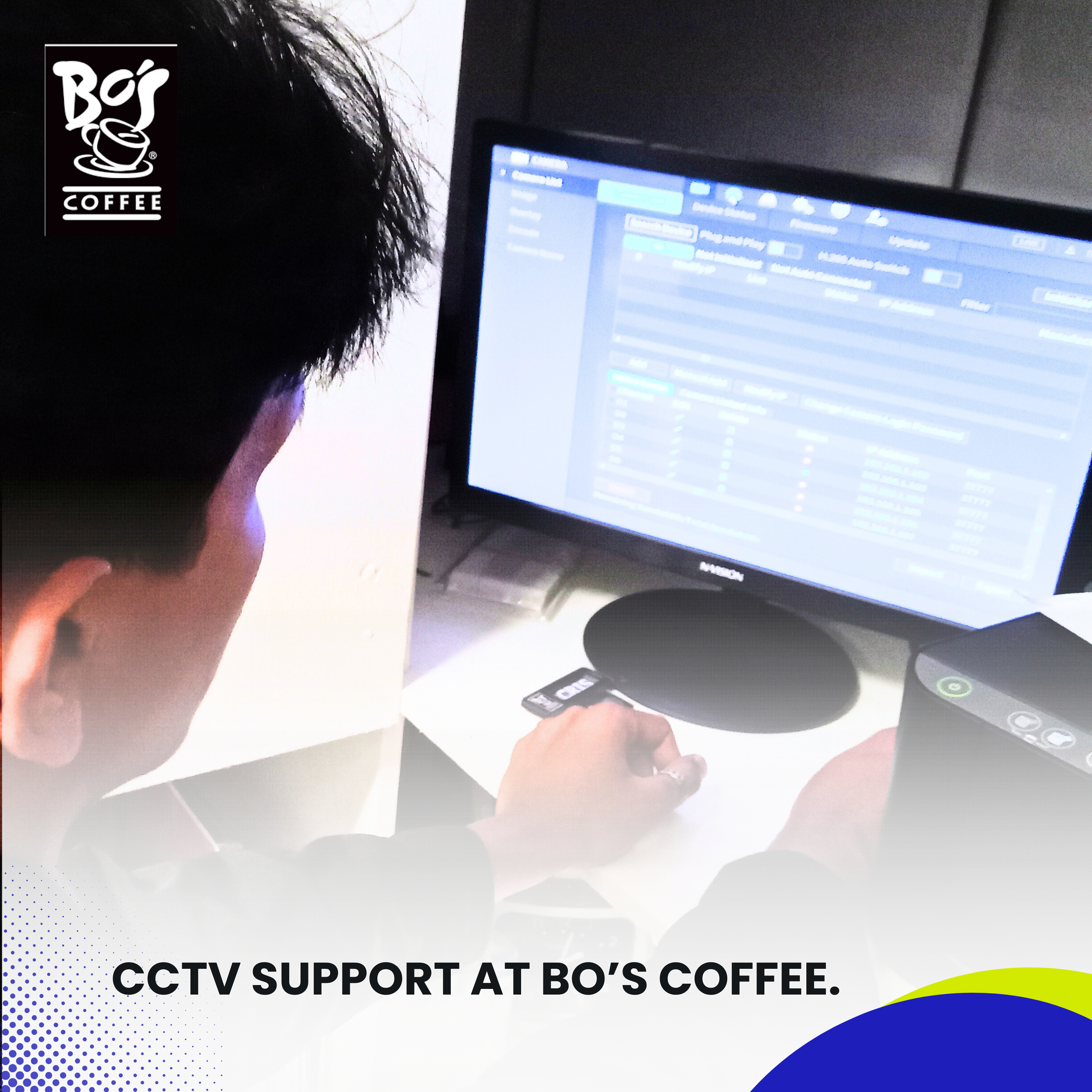
Our IT team arrived at the Bo’s Coffee branch and began a step-by-step assessment. The NVR was located in a secure utility area connected to a dedicated CCTV monitor. Upon inspection, the system was confirmed to be:
Powered on and responsive
Recording video footage from all cameras
Storing files correctly to the internal hard drive
Displaying live footage locally
1. Mobile App Testing.
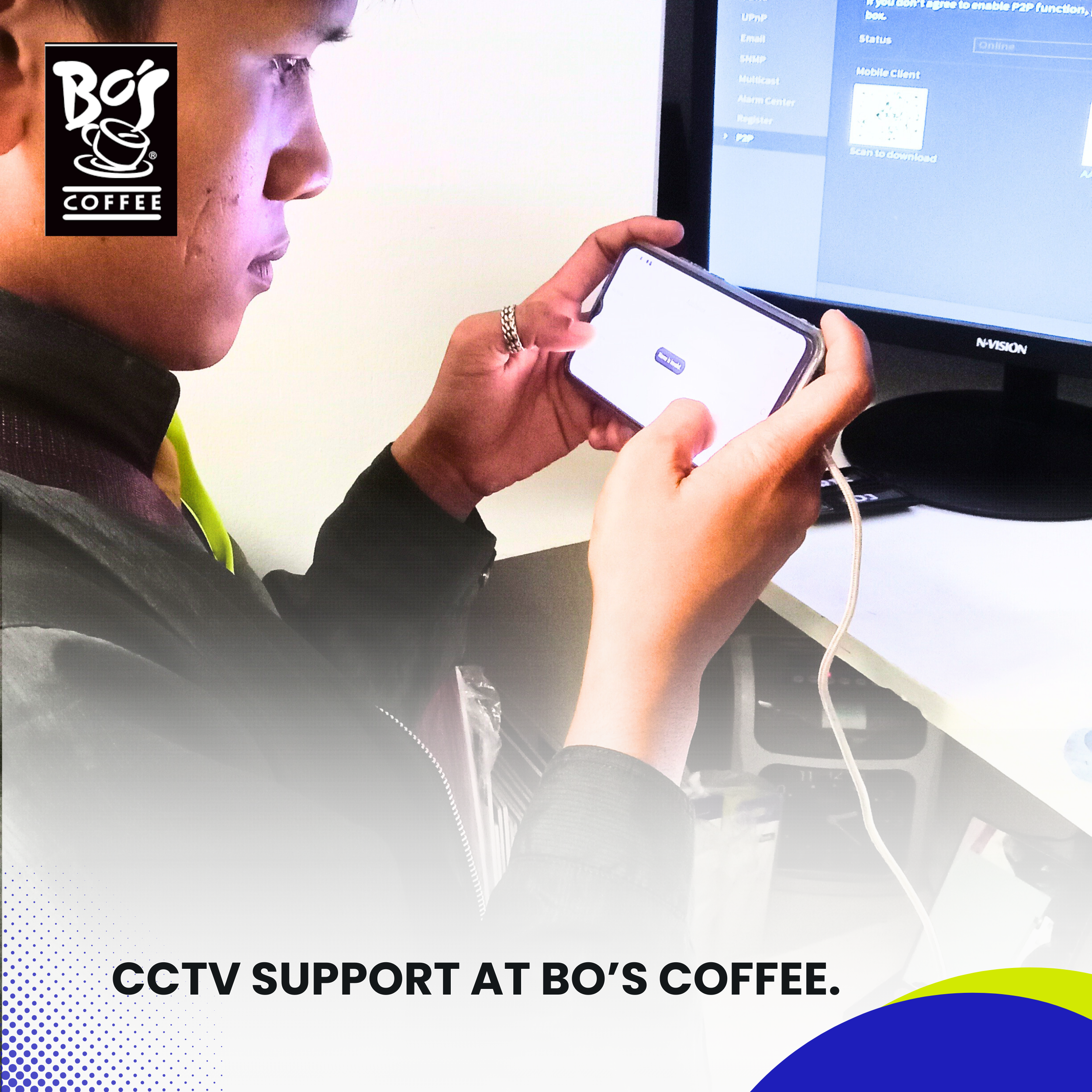
We asked the client to demonstrate the issue firsthand. Upon launching the mobile app, it displayed a “connection failed” message. Live feeds were inaccessible, and the stored device profile showed a “disconnected” status.
We attempted to rebind the NVR to the app using the existing QR code. The system failed to connect, indicating either an issue with:
Port accessibility from the internet
Device being offline from the public network
DDNS or cloud service miscommunication
At this point, our team began testing the network configuration.
2. Router and Network Configuration Review.
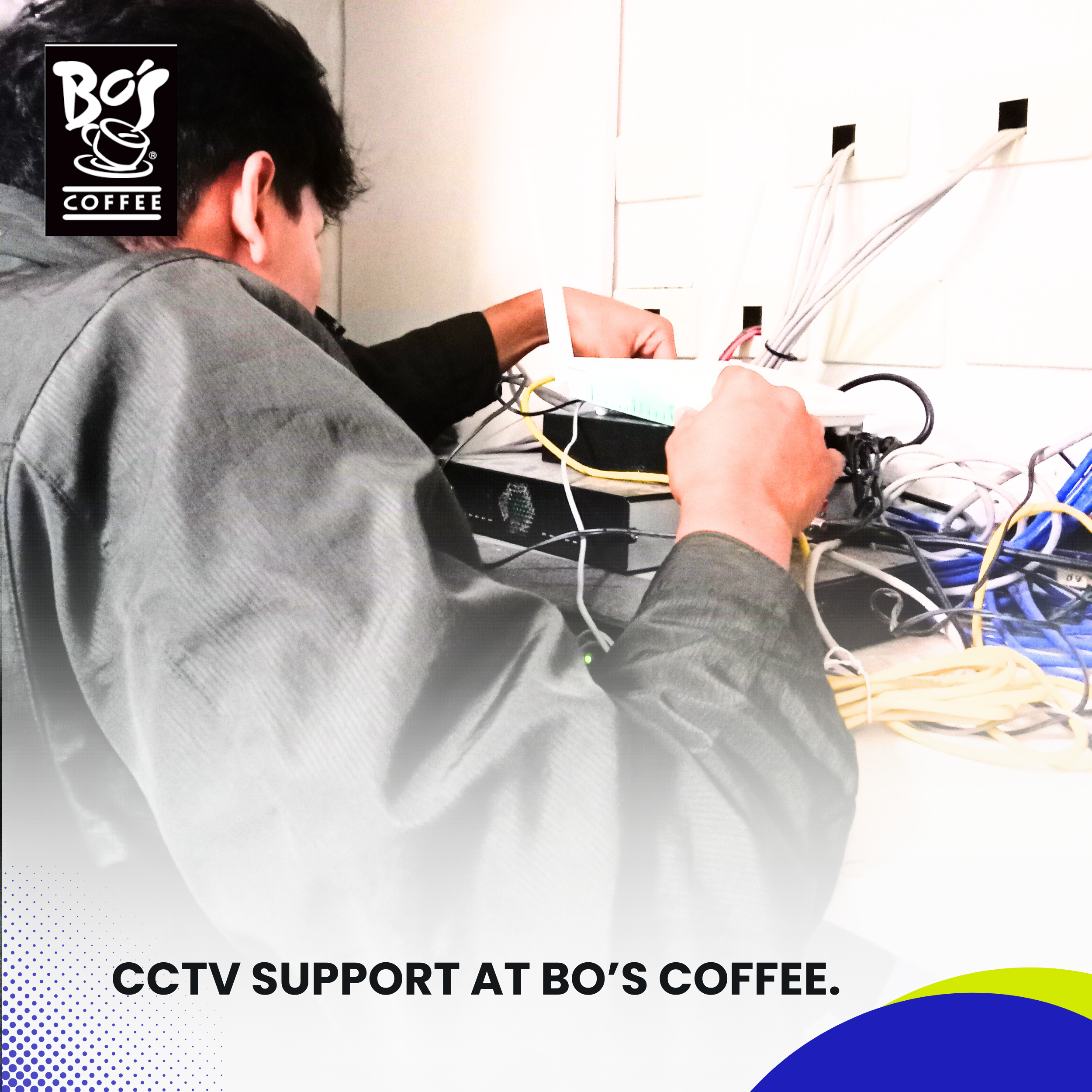
We accessed the router’s configuration panel and discovered that:
The internal IP address of the NVR had changed, likely due to DHCP reassignment.
The port forwarding rules pointing to the NVR’s previous IP were no longer valid.
No static IP was previously assigned to the NVR, leaving it vulnerable to address reassignment after reboots or power outages.
To resolve this:
We assigned a static IP address to the NVR to ensure consistency.
We reconfigured the router’s port forwarding settings to point to the new static IP.
We tested each port externally to confirm they were now open and reachable.
3. DDNS and Cloud Linking.
Upon further review, we found that the DDNS hostname previously used had expired. DDNS is a service that allows dynamic IP addresses (common in residential and small business setups) to remain reachable through a fixed hostname.
To address this:
We registered a new DDNS hostname under a reliable provider.
Linked the NVR to this new DDNS within its network settings.
Synced the account with the manufacturer’s cloud-based mobile access service.
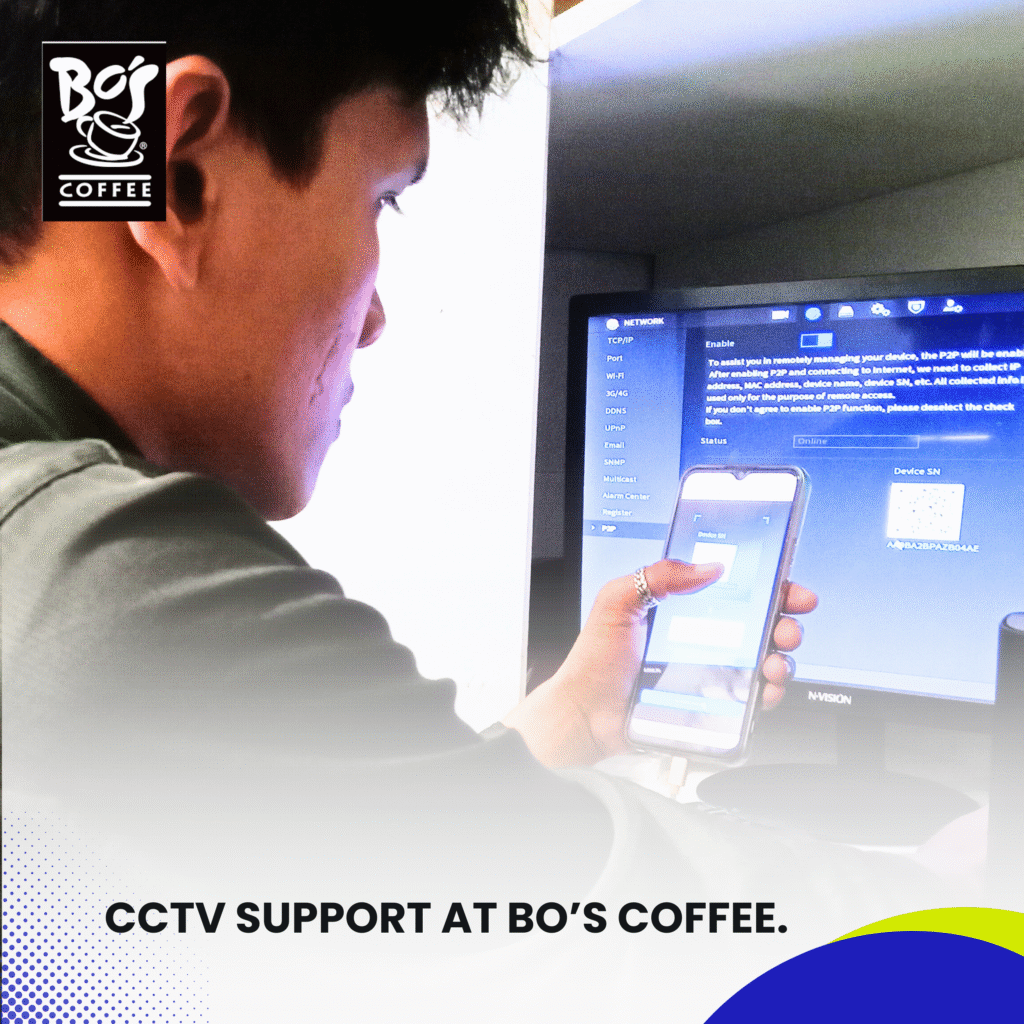
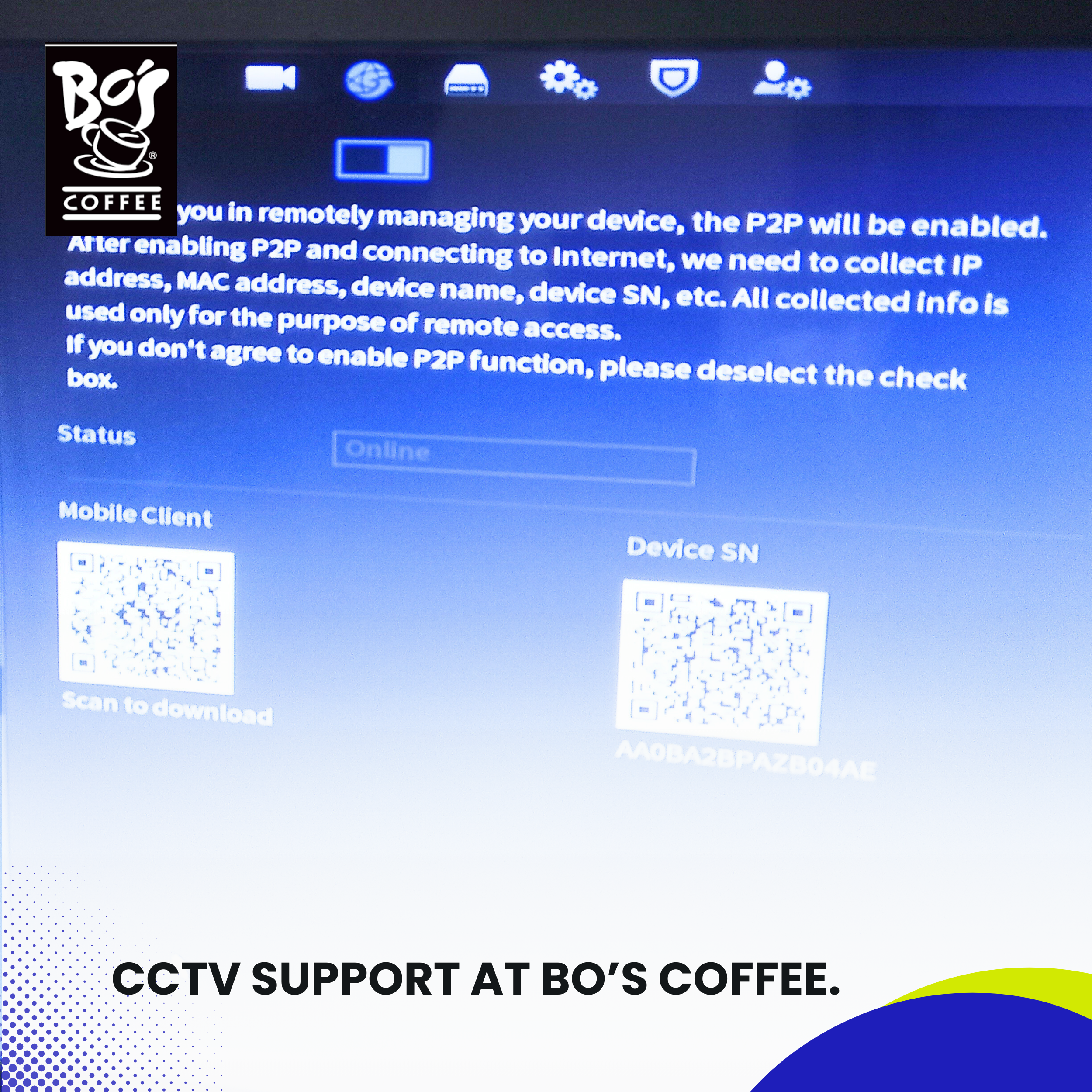
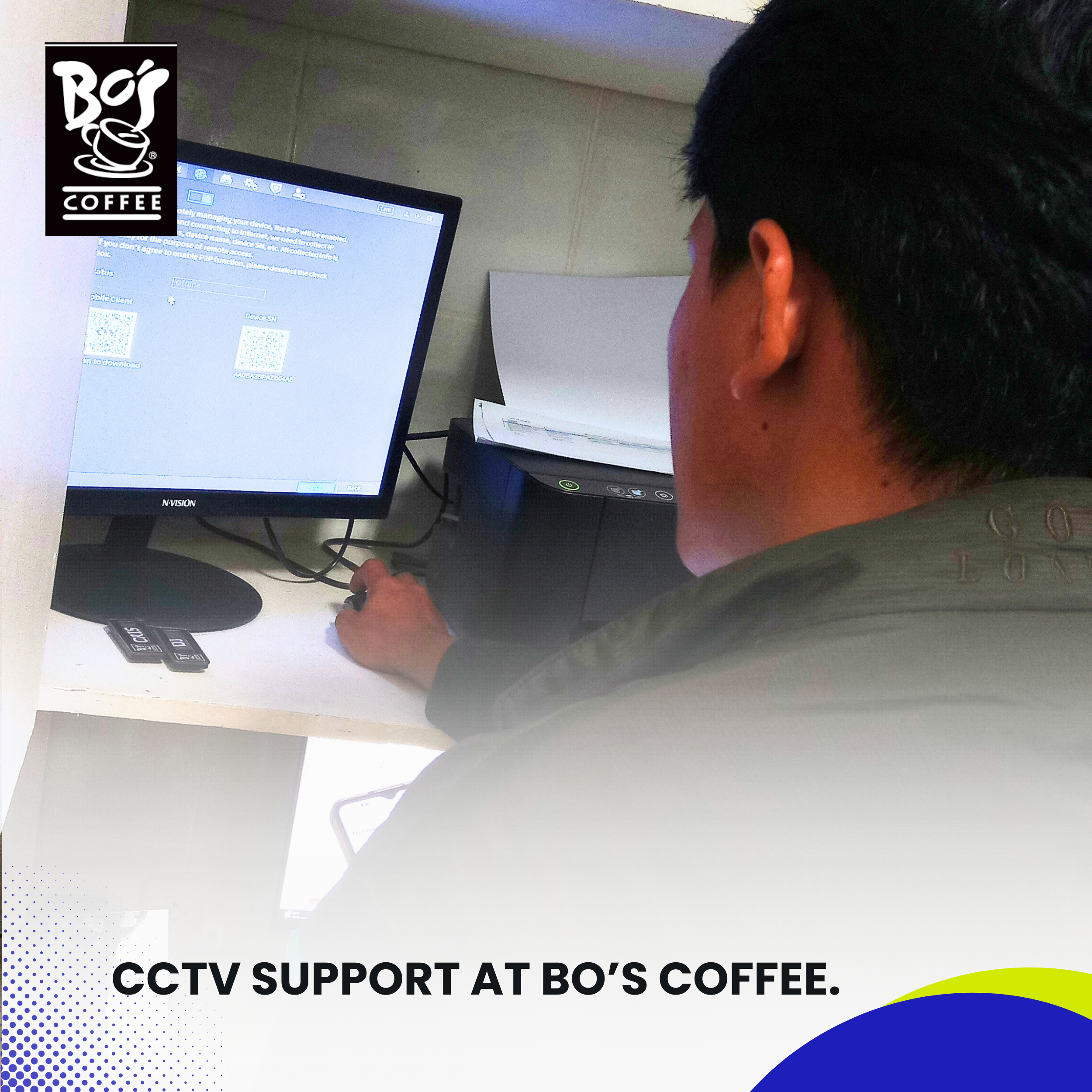
Enabled “Platform Access” or “Cloud P2P” service, which simplifies mobile connectivity via QR scanning.
We then proceeded to remove the previous device binding on the client’s mobile app and rebind the new configuration using the freshly generated QR code.
4. Mobile App Reconfiguration.
With the network and DDNS now working correctly, we guided the store manager through the following steps:
Cleared the app cache and data to ensure old configurations wouldn’t interfere.
Reinstalled the mobile application to obtain the latest version.
Scanned the new QR code generated by the NVR.
Logged in with administrator credentials and confirmed device authorization.
The mobile app immediately synced and all camera channels began displaying live footage. We also verified playback functionality for previous footage, confirming that the app could now access both live and stored recordings.
Push notifications, snapshots, and alert settings were all restored and configured as per the client’s preference.
Conclusion
This support session at Bo’s Coffee underscores the importance of not just having a functioning CCTV system, but also maintaining reliable remote access via mobile platforms. The challenge wasn’t due to a hardware failure, but rather a network misconfiguration and expired DDNS setup—issues that can commonly occur in environments with dynamic IP addresses or frequent power cycles.
By re-establishing stable port forwarding, assigning a static IP to the NVR, and relinking a valid DDNS hostname, our team restored full mobile monitoring capabilities in just one service visit. Additionally, preventive steps were taken to reduce the likelihood of this issue recurring in the future.
At Installersph IT Solutions, we take pride in our commitment to fast, effective, and future-proof support. We understand how essential remote monitoring is for modern retail and service businesses, and we’re always ready to step in with solutions that restore security and confidence in your systems.
Case Studies
CCTV Support and Installation at MARO. October 14, 2026 Carol Jhane Canitan Video. https://youtube.com/shorts/OOqVK6n4R4s Introduction. Reliable CCTV surveillance plays an important role in maintaining security and monitoring daily activities. For animal rescue …

CCTV and Pool Pump Site Inspection at Marina Spatial Condominium, Dumaguete. October 13, 2026 Carol Jhane Canitan Video. https://youtube.com/shorts/4NmHrYsJKzQ Introduction. Proper equipment assessment and an efficient security monitoring setup are important for …